A good home inventory app should answer a simple question quickly: what do I own? The answer matters when you move, file paperwork, prepare for emergencies, organize receipts, check warranties, sell items, or help family understand what is in the home.
CasaKeep is built around that practical need. It helps you create item records with names, photos, values, receipts, warranties, serial numbers, notes, optional rooms or locations, optional collections, and scan help when you want it.
Why a home inventory app beats a forgotten spreadsheet
Spreadsheets are flexible, but they are not easy to keep current. They usually start with good intentions and then drift out of date. A home inventory app should make the record feel close to the real house: rooms, belongings, photos, receipts, and small updates as life changes.
Rooms are location labels. Use them when they help you remember where something lives: the lamp in the living room, the camera in the office, the drill in the garage, the bike in storage, or the mixer in the kitchen.
Once items are in the app, you can browse them, update them, group them into collections, or leave them ungrouped. The item record is the source of truth.
What to track in CasaKeep
For each item, track the basics first: name, room, category, photo, and value if you know it. Then add the details that are hard to reconstruct later: receipt, serial number, purchase date, warranty provider, condition, model, and notes.
You do not need to inventory every sock and spoon. Start with higher-value items, hard-to-replace belongings, electronics, appliances, furniture, tools, jewelry, hobby gear, work equipment, and sentimental items. Add the rest over time.
A useful home inventory is one you can keep current. CasaKeep is built for small updates over time.
Features that make the record useful
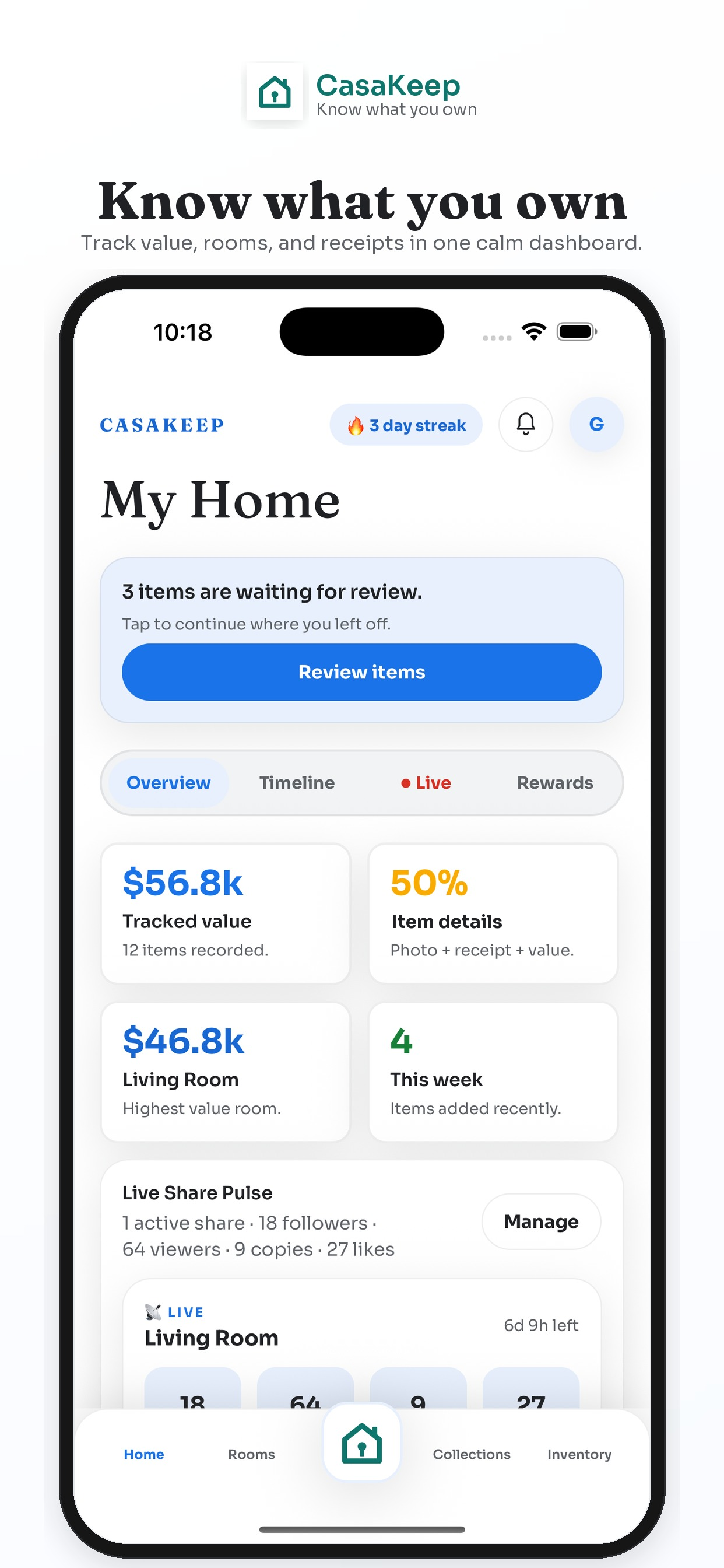
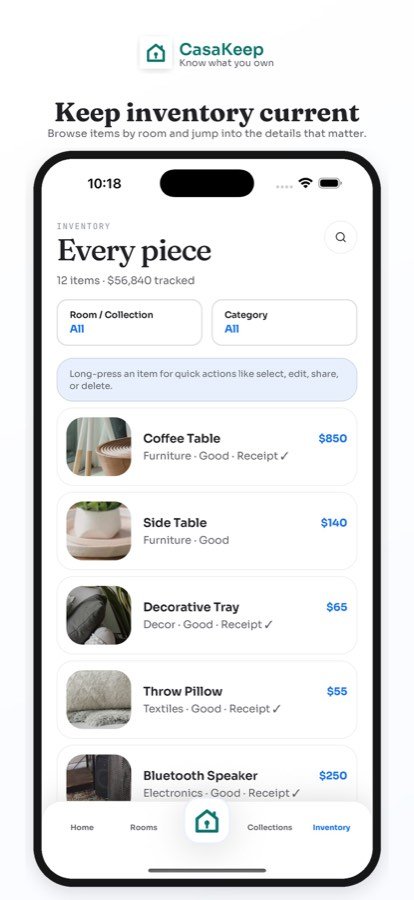
The home dashboard gives you an overview of rooms and inventory progress. The inventory list lets you browse items in context. Item details keep photos, values, receipts, warranties, and notes attached to the thing they belong to.
Collections are optional lists for a purpose. Use them for moving, storage, donations, family handoff, renovation, or emergency priority items. An item can still keep its room while also appearing in one or more collections.
Room scan help can speed up a first pass by suggesting items from a room photo or scan flow. It is not a replacement for your judgment. You review the suggestions, keep what is useful, and edit the details yourself.
How to start your home inventory
Pick one room. Add the most important ten items in that room. Take clear photos. Add values where you know them and leave unknown fields blank. Attach receipts later if you need to.
Then repeat with one new room each week. This keeps the work manageable and helps the app become part of how you maintain your home.
After the first pass, use CasaKeep when something changes. Add new purchases, remove items you sell or donate, update warranty details, and adjust rooms or collections only when they are useful.
When a home inventory app pays off
The record is most useful during a move, break-in, leak, wildfire season, family handoff, or warranty question. Instead of searching through camera rolls, email receipts, and memory, you have one place to start.
Even on ordinary days, the record can help. It can answer whether you still have a tool, where a receipt is, which room something belongs to, what was packed, or which items should be handled carefully.
FAQ
What is a home inventory app?
A home inventory app is a tool for documenting belongings with item details, photos, room locations, receipts, values, and notes.
Can I use CasaKeep without scanning?
Yes. Manual entry is a core CasaKeep workflow. Scanning is optional help for starting or speeding up parts of the inventory.
Is CasaKeep for businesses?
CasaKeep is designed for individuals and households who want to know what they own.
Build the record around the item.
Add photos, receipts, values, locations, and collections only where they make the inventory easier to use.