If you are looking for a free home inventory app, the best first step is simple: start documenting what you own today. You do not need a perfect system, a full weekend, or a spreadsheet with every field filled out. You need a practical place to begin.
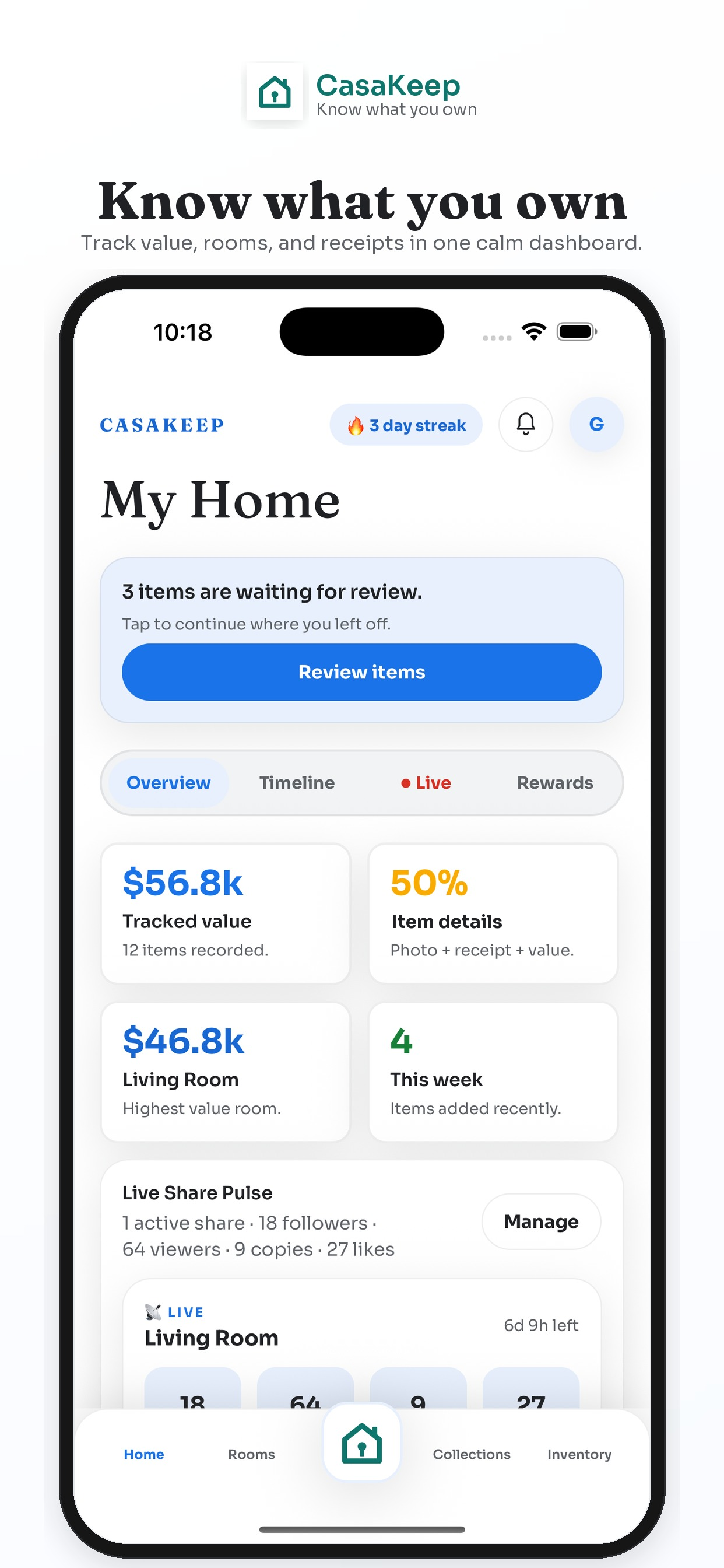
CasaKeep offers a limited free plan for starting a home inventory. It is designed so individuals and households can try the core workflow: add belongings, attach photos, record important details, and use rooms or collections only when they make the list easier to manage.
If you need capabilities beyond the free plan, review the current paid-plan options and included features in the app.
What you can start tracking for free
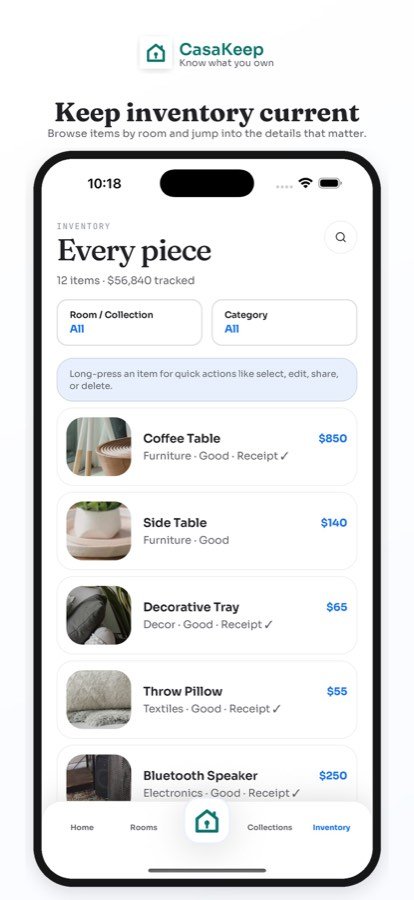
Start with one room. Add the belongings that matter most: electronics, furniture, appliances, tools, bikes, jewelry, collectibles, camera gear, work equipment, and keepsakes. Add photos and basic details first. Then improve the record with values, receipts, serial numbers, warranty notes, and condition details.
Manual entry is the foundation. You can build a useful home inventory without scanning. Optional scan help can speed up parts of the process, but the core value is the item record you maintain.
How CasaKeep's free plan should be used
Use the free plan to prove the habit. Add a small area, then another. Add a handful of important items and update them when details change.
Because the free plan has limits, start with belongings that are valuable, hard to replace, or easy to forget. Review current limits, paid-plan options, and included features in the app before deciding whether to expand.
Why free does not mean careless
A free inventory can still be serious. The first records you add may become the most important: laptop, bike, camera, sofa, TV, tools, jewelry, appliance, musical instrument, or work setup. Those are the items people often wish they had documented earlier.
CasaKeep helps keep the record organized by item instead of scattered across notes, photos, email receipts, and memory.
What makes a home inventory app worth upgrading
Upgrade when the inventory becomes part of how you manage your home. If you want to document more rooms, add more items, use scan help more often, share records, or maintain a fuller household record, a paid plan can save time and keep the process moving.
The important part is that the free plan helps you start. Once the record proves useful, the decision to expand is clearer.
A 20-minute starter workflow
Open CasaKeep and start with one area of your home. Add five important items. Take clear photos. Add rough values if you know them. Attach receipts later. Add serial numbers for electronics when easy.
Next, create a collection called Priority items or Hard to replace if that would help you focus. Add the belongings you would want documented first for moving, emergency prep, warranty questions, or family handoff.
Finally, set a weekly reminder to add five more items. Small progress beats a perfect plan you never start.
FAQ
Is CasaKeep free?
CasaKeep has a limited free plan. Review current limits, paid-plan options, and included features in the app.
Can I make a home inventory without scanning?
Yes. Manual entry is a core workflow. Scan help is optional.
What should I add first?
Start with valuable, hard-to-replace, or easy-to-forget items: electronics, furniture, appliances, tools, bikes, jewelry, collectibles, work equipment, and keepsakes.
Use the free plan to prove the habit.
Add a few important items, take clear photos, and see whether CasaKeep earns a place in your routine.