If you are searching for a home inventory checklist PDF, you probably want a simple answer: what should I document, and how do I avoid missing something important?
A printable checklist can be a good starting point. As belongings change, CasaKeep provides an editable place for the same checklist details.
CasaKeep does not need to replace every paper habit on day one. Use the checklist below to understand what matters, then use the app to keep those details attached to each item.
The home inventory checklist
For each important item, document:
- Item name
- Room or location, if useful
- Category
- Photo
- Approximate value
- Purchase date if known
- Receipt if available
- Serial number or model number
- Warranty provider and warranty date
- Condition notes
- Owner or household context if needed
- Storage note, box label, or collection if the item is packed away
Start with high-value and hard-to-replace belongings. Electronics, appliances, furniture, jewelry, tools, bikes, collectibles, art, cameras, musical instruments, work equipment, and hobby gear are good first targets.
Then add household categories that can become expensive as a group: clothing, shoes, kitchenware, linens, books, decor, and storage bins.
Room-by-room checklist
Living room: sofa, chairs, tables, TV, speakers, consoles, lamps, rugs, art, bookshelves, decor, and media equipment.
Bedroom: bed, mattress, dresser, nightstands, lamps, clothes, shoes, jewelry, watches, electronics, and keepsakes.
Kitchen: appliances, cookware, knives, dishes, small appliances, coffee equipment, pantry systems, and specialty tools.
Office: laptop, monitor, desk, chair, printer, router, camera, microphone, hard drives, and work equipment.
Garage or storage: tools, bikes, sports gear, camping gear, seasonal decor, bins, power equipment, and spare parts.
Entry and closets: coats, bags, shoes, keys, daily carry items, and seasonal items.
How CasaKeep keeps the checklist updated
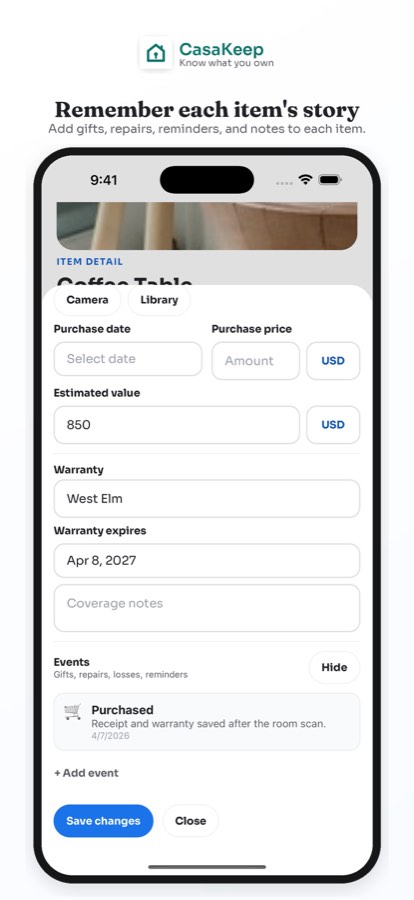
CasaKeep lets you attach checklist fields to each item. The item detail screen keeps photos, notes, value, receipt, serial number, and warranty context together.
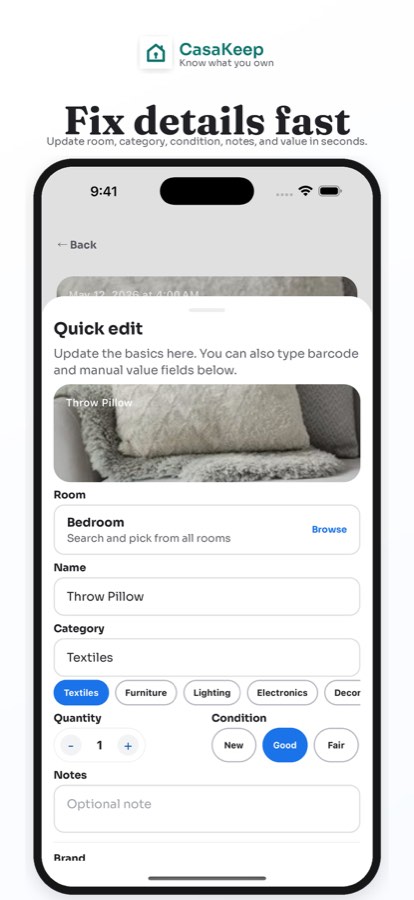
Quick edit helps you clean up details quickly when something changes. If an item moves from the bedroom to storage, update its location. If you find a receipt later, add it. If you sell or donate something, remove it or update the record.
Room scan help can speed up the first pass. It is optional. You still decide what belongs in your inventory and what details need correction.
Keeping a checklist current
A printed checklist is useful for planning. Review it when belongings change, and keep related receipts, photos, and item details with the records you maintain.
CasaKeep is designed for ongoing maintenance. The record stays tied to the item, even when the item moves, gets packed, or becomes part of a collection.
When to update your checklist
Update after major purchases, moves, renovations, seasonal changes, storage changes, warranty repairs, donations, or family handoffs. A five-minute update after a purchase is easier than rebuilding the whole inventory later.
If you want a paper reference, print this page from your browser. For the actual working record, keep the details in CasaKeep so they remain editable.
FAQ
Can I use this as a printable checklist?
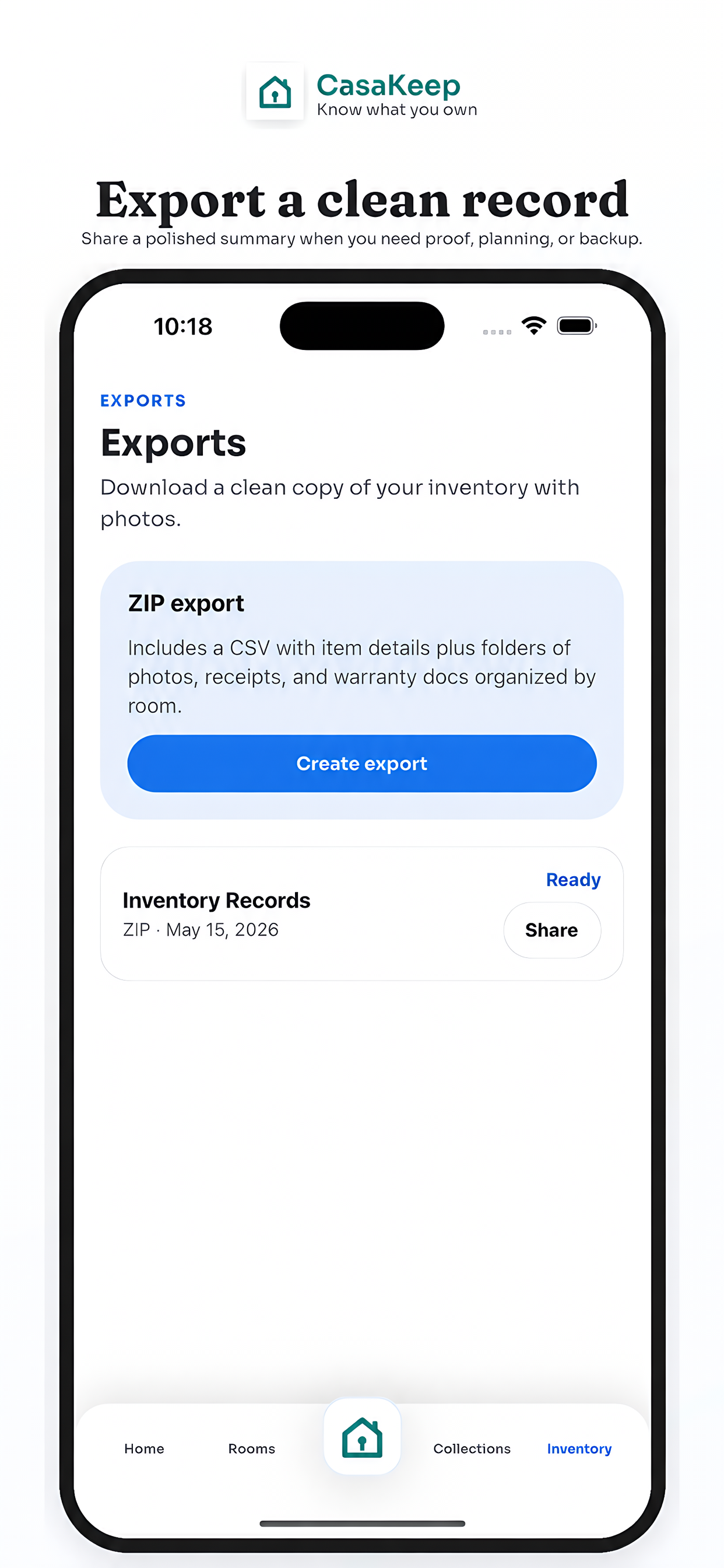
Yes. You can print this guide from your browser if you want a paper reference. CasaKeep focuses on an editable home inventory with sharing plus supported CSV and picture export workflows.
What is the most important thing on a home inventory checklist?
Photos and item details are the foundation. Receipts, serial numbers, values, warranty notes, and location notes make the record more useful.
How often should I update my home inventory?
Update it whenever important belongings enter, leave, move, or change condition.
Turn the checklist into records you can update.
Use the checklist to start, then keep item photos, receipts, serial numbers, and notes attached in CasaKeep.