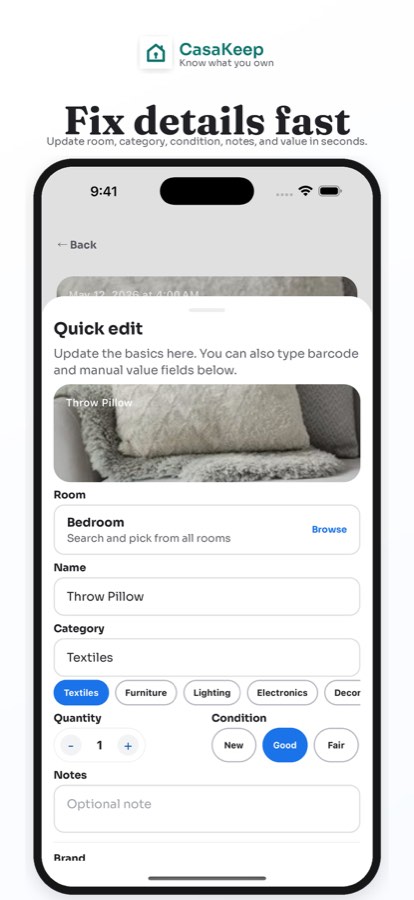
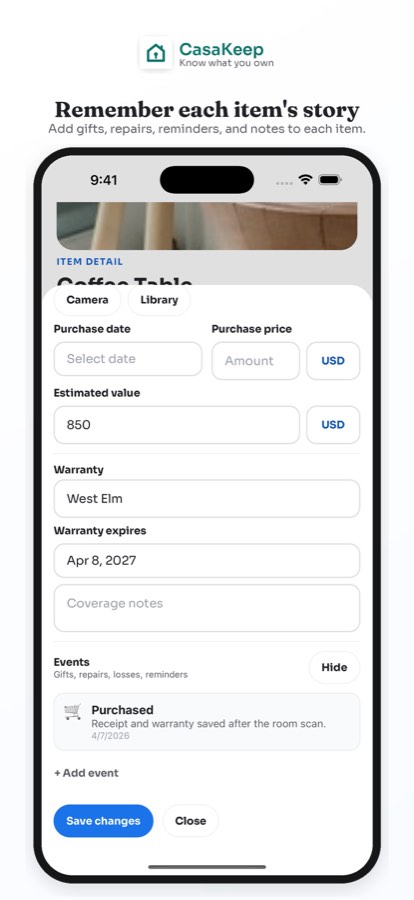
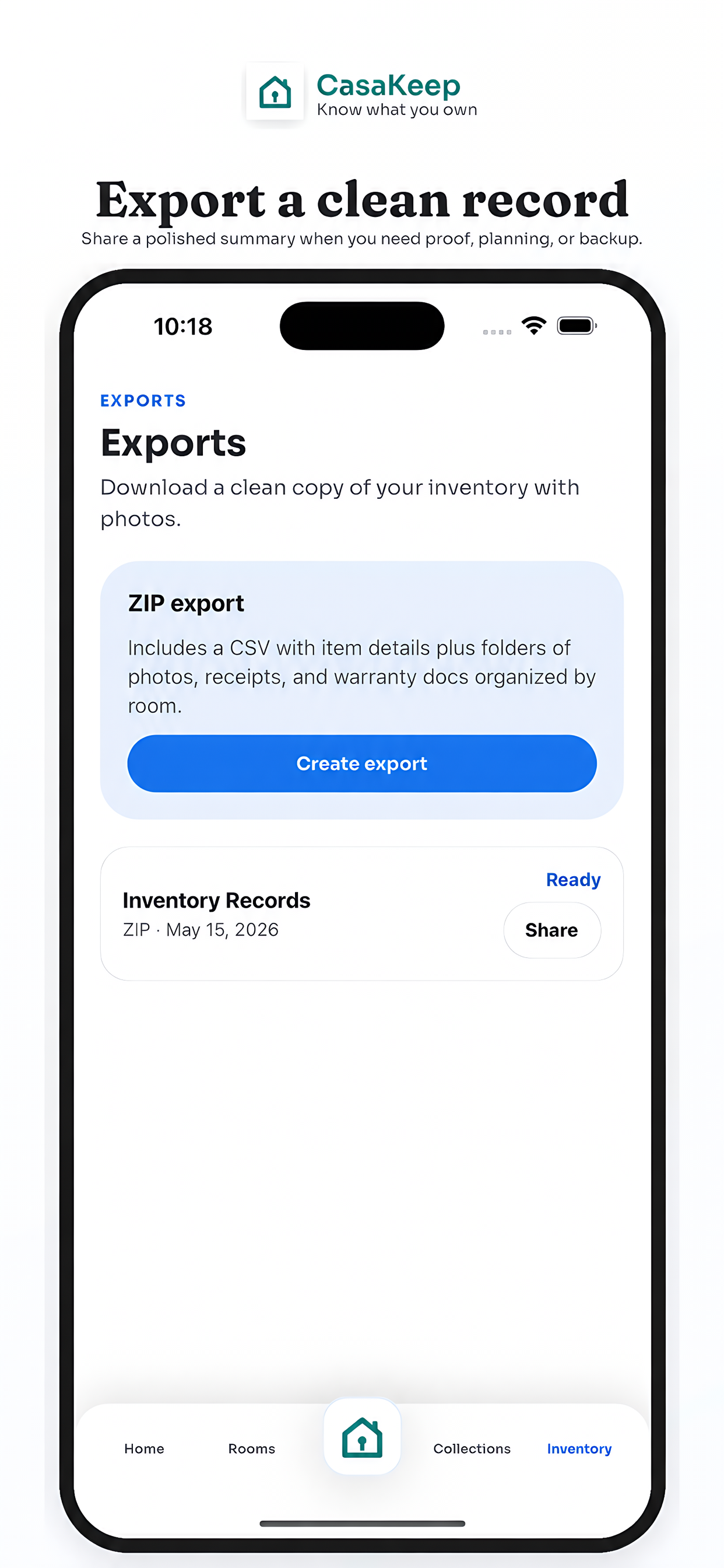
If you searched for a home inventory list PDF, you probably want something simple: a clear structure you can keep, share, or hand to someone else. CasaKeep does not export PDFs. It exports structured CSV data, and the full ZIP export includes inventory.csv plus image folders for item photos, receipt photos, and warranty-doc photos.
The data can be opened in a spreadsheet, and the pictures stay with the export. If someone specifically asks you for a PDF, create that outside CasaKeep from the exported CSV or from your own spreadsheet.
Home inventory list fields
Use these columns if you are creating a spreadsheet, CSV, paper checklist, or app-based inventory:
- Room or location
- Item name
- Category
- Brand or maker
- Model number
- Serial number
- Purchase date
- Estimated value
- Receipt available
- Warranty details
- Condition
- Photo taken
- Notes
- Collection or purpose
- Decision needed
That last field is useful for moving, storage, estate handoff, donations, repairs, and family review.
Spreadsheet version
For a home inventory spreadsheet template, start with one row per important item. Use filters for room, category, value, receipt status, warranty status, and decision needed.
Keep the spreadsheet simple. If it has too many columns, you will stop using it. If it has too few, it will not help when documentation matters.
CasaKeep keeps photos, receipts, notes, warranties, and item context attached inside item records and included with supported export workflows.
What to document first
Start with electronics, appliances, furniture, tools, bikes, cameras, jewelry, art, collectibles, work equipment, musical instruments, and sentimental items. Then add grouped household categories like linens, clothing, books, kitchenware, toys, and seasonal storage.
Do not wait until every receipt is found. Add the item now, then improve the record later.
FAQ
Is this a free printable home inventory checklist PDF?
This page is a printable checklist structure, but CasaKeep does not export PDFs. CasaKeep exports CSV data, and the full ZIP export includes inventory.csv plus image folders for photos, receipt photos, and warranty-doc photos.
What is the difference between a checklist and an inventory?
A checklist tells you what to collect. An inventory is the actual record of your items, photos, receipts, values, warranties, and notes.
Should I use a spreadsheet or an app?
A spreadsheet provides a basic table. CasaKeep provides editable item records with photos, receipts, warranties, context, and supported CSV and picture export workflows.
Start small and keep the record current.
Add the belongings that matter most, then update the details when life changes.