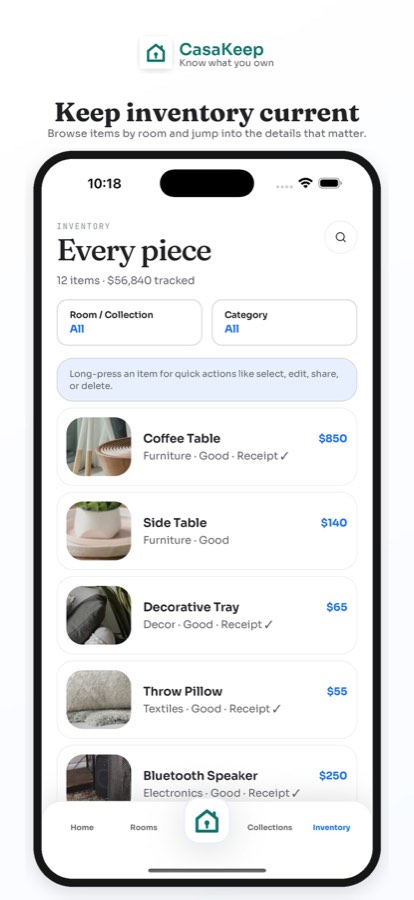
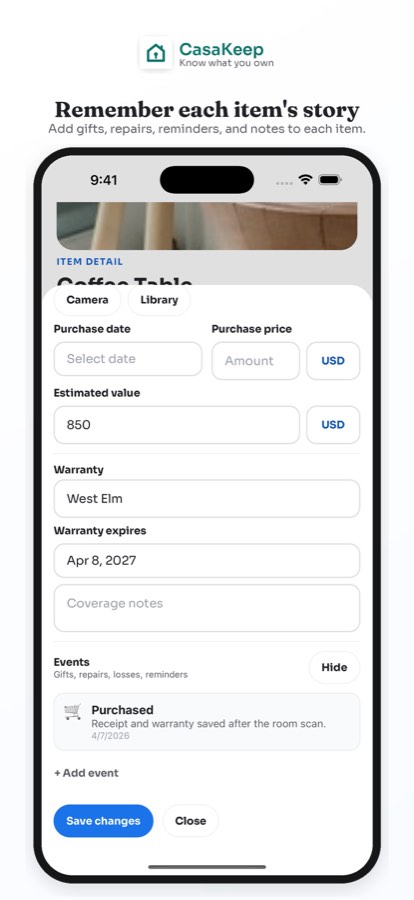
A home inventory spreadsheet template is a good way to understand the structure of your records. The risk is that a spreadsheet can become detached from the photos, receipts, warranty documents, and item context that make the inventory useful later.
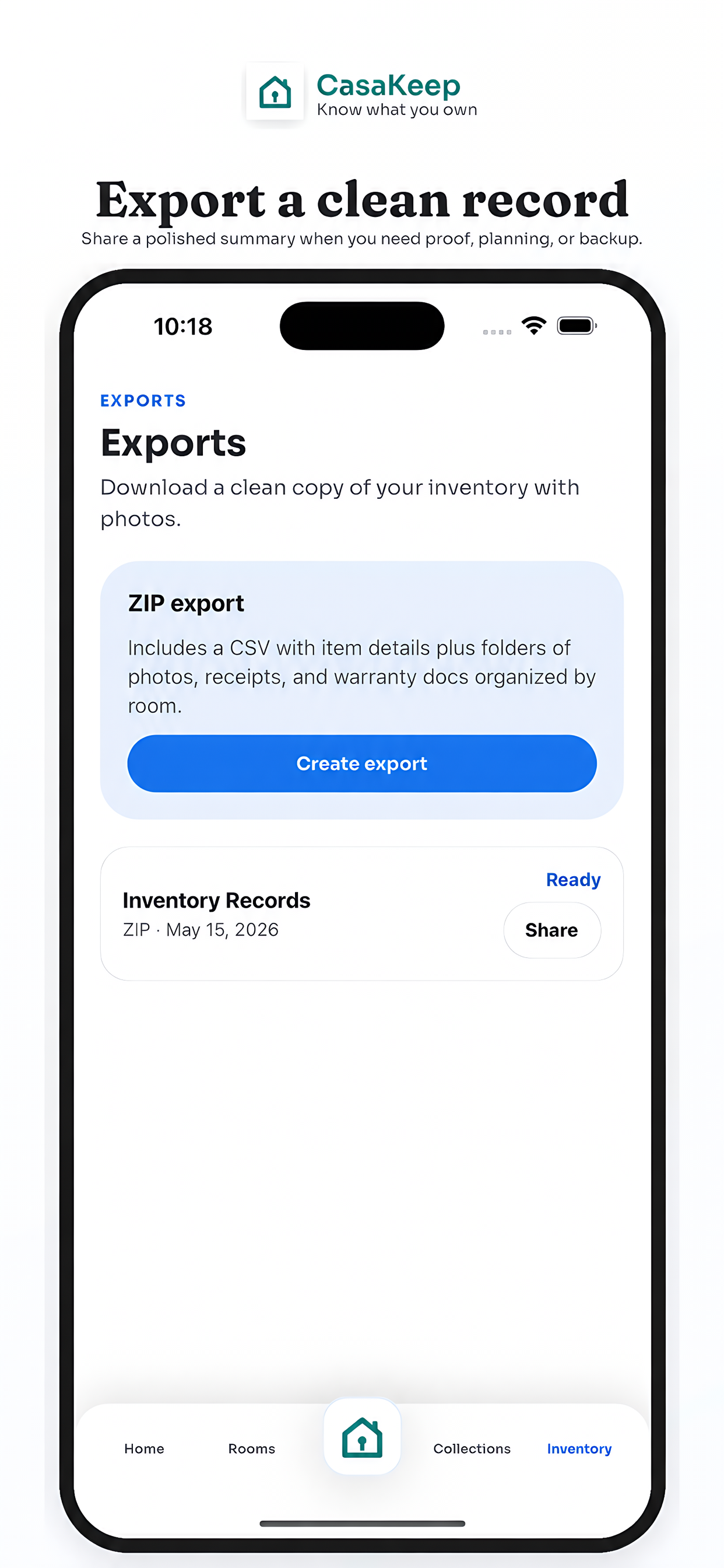
CasaKeep helps you build the item records first. When you need a copy, CasaKeep can export CSV data, and the full ZIP export includes inventory.csv plus image folders for item photos, receipt photos, and warranty-doc photos.
Spreadsheet columns to use
Start with these columns:
- Room
- Item name
- Category
- Quantity
- Condition
- Brand
- Model
- Barcode
- Serial number
- Purchase date
- Purchase price
- Estimated value
- Warranty provider
- Warranty expiry
- Warranty notes
- Notes
- Photos
- Receipts
- Warranty documents
These match the kind of structured data that makes a home inventory useful for insurance documentation, moving, storage, warranties, estate handoff, and everyday organization.
When a spreadsheet works well
A spreadsheet works well when you need sorting, filtering, and quick review. It can be useful for calculating rough totals, filtering by room, or sending a structured list to someone who prefers tables.
It works less well as the source of truth for photos and documents. If receipt pictures and item photos live in separate folders, the record can become hard to trust.
Why CasaKeep is different
CasaKeep keeps the item and its context together. Add photos, receipt photos, warranty-doc photos, values, serial numbers, rooms, collections, and notes while you build the inventory. Export CSV and pictures when you need the records outside the app.
That gives you the spreadsheet benefit without forcing the spreadsheet to carry the whole household story.
FAQ
Can I use CasaKeep data in a spreadsheet?
Yes. CasaKeep exports CSV data, and the full ZIP export includes inventory.csv plus image folders for photos, receipt photos, and warranty-doc photos.
Does CasaKeep export Excel files?
No. CasaKeep exports CSV data, which can be opened by spreadsheet tools such as Excel, Numbers, or Google Sheets.
Does CasaKeep export PDFs?
No. CasaKeep does not export PDFs.
Start small and keep the record current.
Add the belongings that matter most, then update the details when life changes.